
Buying Guide
Best is not a list, it is a checklist
Search for the best offshore VPS and you get affiliate roundups where the ranking follows the commission. That is not useful, and it is also not how you should pick.
What is useful is knowing which specifications actually change your experience, and which ones are there to fill a comparison table. This page is the checklist we would use ourselves, then an honest account of where OffshoreKaka sits against it.
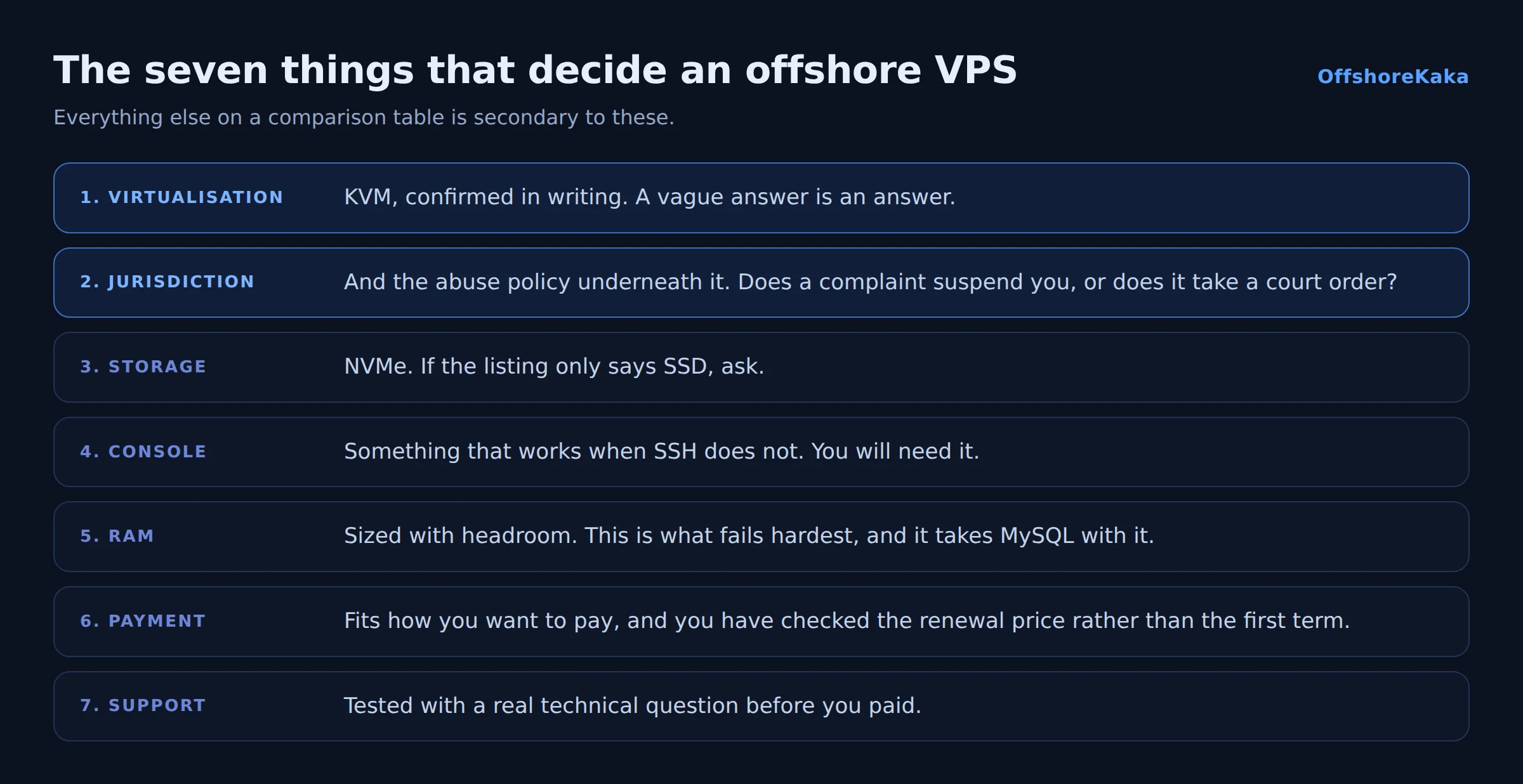
The seven things that matter
1. KVM, not containers
This is the first question and it filters out a lot. KVM means your memory is genuinely reserved and cannot be oversold, you can run Docker properly, and you can load kernel modules. OpenVZ and LXC share the host kernel and allow the provider to sell more memory than the machine has. Ask directly, and treat a vague answer as a no. Detail in why KVM matters.
2. Jurisdiction, and the abuse policy underneath it
The country decides which law applies. The abuse policy decides what happens on your worst day. Read it before you buy: does a complaint email suspend your account, or does it take a court order?
The Netherlands and Germany are the sensible defaults. Both are in the EU, both have serious privacy law, and both have excellent network position. Jurisdictions marketed as ignoring everything usually also ignore their other customers’ abuse, and you inherit the blocklisted IP ranges that result.
3. NVMe storage
On the random reads a database does constantly, NVMe is roughly a hundred times faster than a spinning disk. If a listing says SSD without saying NVMe, ask. This is one of the largest real-world differences on the list.
4. A console in the panel
VNC or noVNC, something that works when SSH does not. You will eventually lock yourself out with a firewall rule or an SSH config typo, and a console turns a lost day into two minutes. Surprisingly many budget providers do not include one.
5. RAM, sized properly
Memory is what kills sites. When it runs out the kernel kills MySQL and you get database errors that look like a database problem. 2GB is a realistic minimum for one real site; 4GB if it is a shop. Do not trade RAM for cores. More on this in choosing VPS specs.
6. Payment options that fit you
If privacy is part of why you are here, crypto acceptance without identity verification matters. If it is not, a card is simpler. Either way, check the renewal price rather than the introductory one.
7. Support you have actually tested
Send a technical question before you pay. Not “what are your prices”, something real, like whether outbound port 25 is open. The answer, and how long it takes, tells you more than any review.
What to ignore
- Core counts. Cores control concurrency, not the speed of a page. Two is plenty for most sites, especially with caching.
- Unlimited anything. Every connection has a physical limit. Read the fair use clause for the real number, as covered in unmetered bandwidth explained.
- 99.99 percent uptime promises. Check what the SLA actually pays out. Usually a credit worth a few days of hosting, which is not compensation for a lost day of business.
- Benchmark scores in marketing. Run your own on a trial.
Testing before you commit
Twenty minutes of testing beats any review.
- Ask for a test IP and ping it from where your visitors are. Under 50ms within Europe is normal.
- Run
systemd-detect-virton a trial instance. It should saykvm. - Check
lsblk -d -o NAME,SIZE,ROTA. ROTA 0 means solid state. - Run
topand look at steal time. Consistently above a few percent means the host is oversubscribed. - Check the IP against major blocklists if you will send mail.
- Deliberately break SSH and use the console to fix it. Better to find out now.
Where OffshoreKaka sits
Measured against the same list, honestly.
| Criterion | OffshoreKaka |
|---|---|
| Virtualisation | KVM on every plan, resources not oversold |
| Locations | Amsterdam and Frankfurt, both EU |
| Storage | Pure NVMe |
| Root access | Full, on every plan |
| Console | Included in the panel |
| Entry plan | 2 cores, 4GB RAM, 40GB NVMe, 20TB from ₹999/mo |
| Provisioning | Online within about 60 seconds of payment |
| Payment | Crypto and card, no identity verification required |
| Operating systems | Ubuntu, Debian, AlmaLinux, CentOS, Windows Server |
Where we are not the right answer: if your audience is entirely in South Asia or North America, a server closer to them will be faster, and that is a straightforward latency fact rather than a marketing one. And if you want someone else to patch the server, an unmanaged VPS is the wrong product regardless of who sells it.
Buyer checklist
- KVM confirmed in writing.
- Abuse policy read in full.
- NVMe confirmed, not just SSD.
- Console access included.
- RAM sized with headroom.
- Renewal price checked.
- Support tested with a real technical question.
- Network tested from your audience’s region.
Want to test it yourself?
OffshoreKaka VPS servers are KVM with NVMe and full root in Amsterdam and Frankfurt, online in about a minute, with crypto accepted.
FAQ
What actually makes an offshore VPS good?
Real KVM virtualisation, memory that is not oversold, NVMe storage, a clear abuse policy, and a console you can reach when SSH is broken. Everything else on a typical comparison table is secondary to those five.
Is offshore hosting only about privacy?
No. A large share of customers pick Amsterdam or Frankfurt purely because their audience is European and those two cities have the best network position in Europe. The legal environment is a benefit they get either way.
Can I start small and grow?
Yes, and you should. Start at the size you can measure into, then move up when the numbers say so rather than in advance. Check the provider allows resizing without rebuilding before you commit.
Do I have to manage the server myself?
On an unmanaged VPS, yes: updates, firewall, backups, monitoring. A control panel handles the daily tasks through a browser but not the responsibility. Our security checklist is a fair preview of what the first hour looks like.