
Buying Guide
Cheap is fine. Oversold is not.
There is nothing wrong with wanting a cheap VPS. Plenty of projects genuinely do not need much, and paying for headroom you never touch is just waste.
What you need to avoid is the specific way cheap hosting goes wrong: a container plan on an oversold machine, where the numbers on your invoice describe capacity that is not reserved for you. This page is about telling the two apart.
How cheap goes wrong
Almost always the same way. The provider uses container virtualisation instead of KVM, which lets them allocate more memory across customers than the machine physically has. Most of the time nobody notices, because most customers idle.
Then a few tenants get busy at once, and everyone’s site slows down for reasons invisible from inside. Your panel still shows the 4GB you paid for. Your site behaves as though it has one. No amount of tuning on your side changes it, because the problem is not on your side.
The second way is storage. A cheap plan on spinning disks looks fine on paper and is roughly a hundred times slower on the random reads a database does constantly. For a static site it barely matters. For WordPress it is the difference between a fast site and a permanently sluggish one.
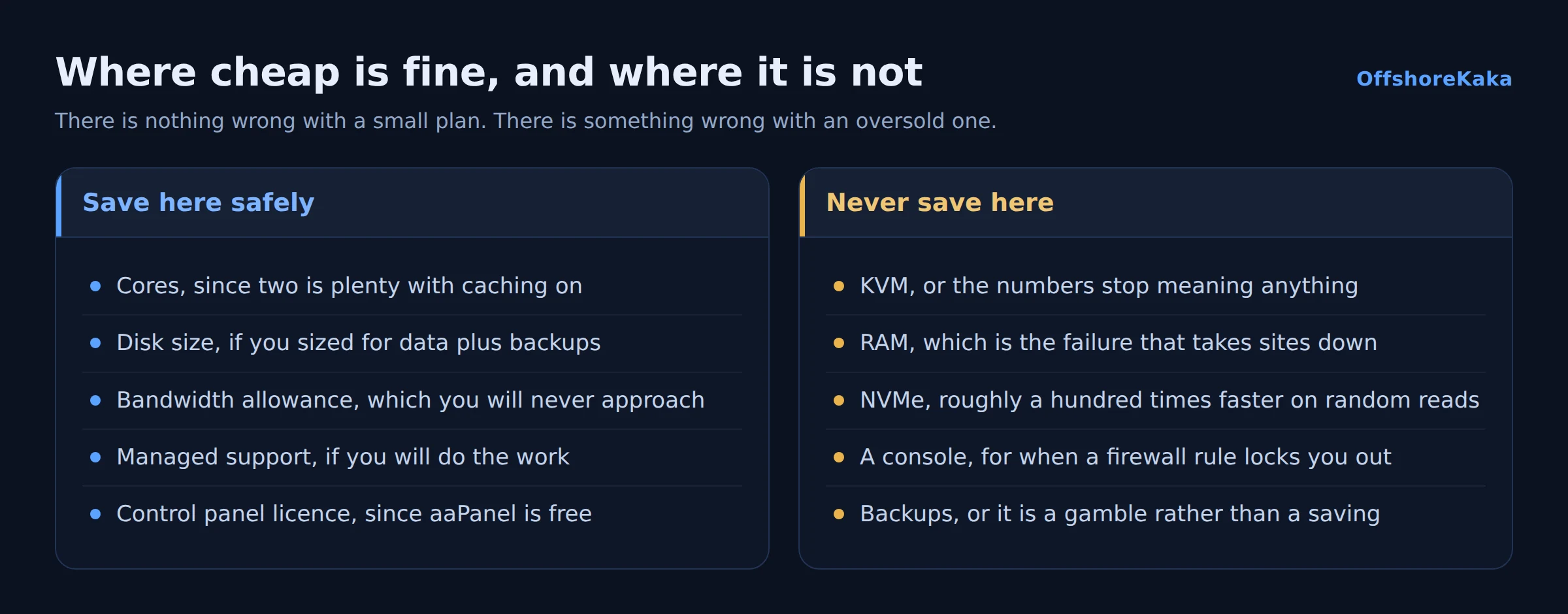
Where to save safely
- Cores. Two is enough for most sites. Cores control concurrency, not single page speed, and with caching on most requests barely touch the CPU.
- Disk size. Buy for your data plus room for backups, not for a number that sounds comfortable. 40GB handles a lot of website.
- Bandwidth allowance. A normal site uses a tiny fraction of any plan’s allowance. Do not pay for terabytes you will never move.
- Managed support. If you are comfortable running updates and a firewall, unmanaged is genuinely cheaper and no worse.
- Control panel licences. aaPanel is free and covers most of what cPanel does for a single operator.
Where not to
- KVM. The difference between a plan you can reason about and a plan that is a guess. This is the one to insist on.
- RAM. The failure that actually takes sites down. 2GB is the realistic floor, and 1GB only works with caching on and nothing else running.
- NVMe. Ask explicitly. SSD in a listing sometimes means SATA.
- A console. Without one, a firewall mistake is a support ticket and a wait.
- Backups. The cheapest possible hosting with no backup plan is not cheap, it is a gamble with your data.
Shared hosting might be enough
Worth saying plainly, because it is often the honest answer. If you run one WordPress site with caching on, shared hosting handles it at a fraction of the price and somebody else patches the operating system.
You need a VPS when you need root, a custom stack, guaranteed resources, or you have hit a documented limit. Wanting more control is not the same as needing it, and an unmaintained VPS is worse than managed shared hosting. The full comparison is in VPS versus shared hosting.
Spotting an oversold host
Get a trial or the cheapest month and run these before you commit anything real.
systemd-detect-virtShould print kvm. If it prints openvz or lxc, memory can be oversold.
top -bn1 | head -3Look at the st column. That is steal time, the share of time your CPU wanted to run and the host was busy elsewhere. Near zero is healthy. Consistently above a few percent means the machine is oversubscribed, and no tuning fixes that.
lsblk -d -o NAME,SIZE,ROTA,MODELROTA 0 is solid state, ROTA 1 spins. Check it rather than trusting the listing.
Also try free -h. On some container plans it reports the host’s memory rather than yours, or shows no swap at all, which is a giveaway.
Checklist before paying
- KVM confirmed, ideally verified on a trial.
- Steal time checked during a busy period.
- NVMe confirmed with ROTA 0.
- At least 2GB RAM for a real site.
- Console access available.
- Renewal price checked, not just the first term.
- Backup destination arranged before go-live.
- Shared hosting honestly ruled out first.
Cheap without the container trap
OffshoreKaka VPS plans start at 2 cores, 4GB RAM and 40GB NVMe for ₹999/mo, all KVM with dedicated resources in Amsterdam and Frankfurt.
FAQ
Is cheap offshore VPS hosting reliable?
It can be, if it is KVM with dedicated resources. The unreliable ones are container plans on oversold machines, where performance depends on strangers. The price tag alone does not tell you which you have; the virtualisation type does.
What is the cheapest sensible way to host a small site offshore?
Shared hosting with caching turned on, honestly. It costs a fraction of a VPS, someone else maintains it, and a cached WordPress site performs perfectly well on it. Move to a VPS when you need root, not before.
Can I pay with cryptocurrency?
With many offshore hosts including this one, yes, and usually without identity verification. Keep your account credentials somewhere safe, because an anonymous account with no recovery path is genuinely hard to recover.
Will a cheap VPS hurt my Google ranking?
Only if it is slow or unreliable enough to affect visitors. Google does not know what you pay. What it notices is response time and availability, and an oversold container plan can affect both. Our TTFB guide covers measuring it.